Hexo+Github Pages搭建个人博客
安装 Git
安装 Node.js
Node.js — 下载 Node.js® (nodejs.org)
使用 npm 安装 Hexo
1 | npm install -g hexo-cli |
解决:更换源
1 | npm config set registry https://registry.npmmirror.com |
初始化博客
1 | hexo init hexo-blog |
启动,打开浏览器就可以看到博客界面了
1 | hexo g |
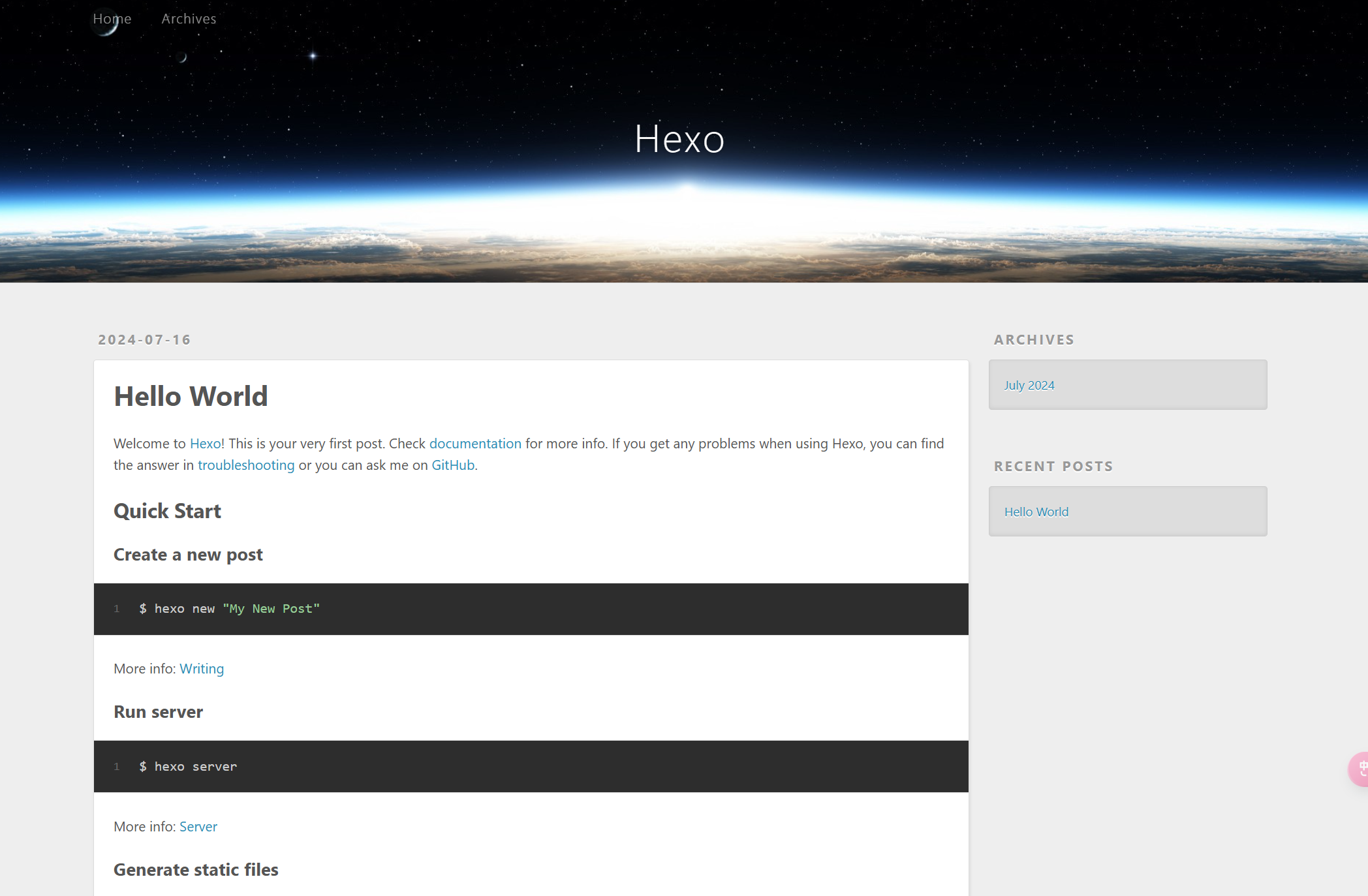
安装自己喜欢的主题
1 | npm install hexo-theme-next |
将配置文件 _config.yml 中的主题 theme 改为 next。
部署到 Github pages 上,首先需要用以下命令生成 SSH Key。
1 | ssh-keygen -t rsa -C "your eamil" |
生成的 SSH Key 会存储在 C:\Users\你的用户名\.ssh\ 文件夹中。
id_rsa 存储的是私钥,id_rsa.pub 存储的是公钥。
将公钥中的内容复制并添加到 Github 上。
Github -> Settings -> SSH and GPG keys -> New SSH key -> 粘贴公钥内容 -> Add SSH key。
配置本地账户
1 | git config --global user.name “your_username” #设置用户名 |
测试是否可以连接
1 | ssh -T git@github.com |
新建Github仓库,仓库名必须为 “your_name.github.io”。
在执行之前,记得安装自动部署 (–save 加不加的区别在于是否写入到依赖文件package.json中)
1 | npm install hexo-deployer-git --save |
正常本地浏览器预览,直接执行 hexo s 即可。
如果要发布最好执行clean命令,会去删除生成的public文件
部署到 Github pages 上:
1 | hexo clean && hexo g && hexo d 或者 hexo d -g |
有关插入图片无法显示的问题,找到了下面博客才解决:hexo 博客插入本地图片时遇到的坑
具体做法是安装 hexo-asset-img,把 node_modeules 目录下的 hexo-asset-images 删掉
1 | npm install hexo-asset-img --save |
然后使用下面三种方式中的任一种就可以了。
1 | {% asset_img 图片的名称 图片的描述 %} |